Product Overview
What is the Fjorden Grip for smartphones?
The Fjorden Grip is a physical camera grip for smartphones that adds DSLR-like controls, including a two-stage shutter button and customizable dials.
How does the Fjorden two-stage shutter button work?
A half-press locks focus and exposure, while a full press takes the photo—just like a traditional camera.
Does the Fjorden Grip actually improve smartphone photography?
Yes. It gives you better control, improved stability, and a more camera-like shooting experience.
What makes the Fjorden Grip feel like a real camera?
It comes down to the ergonomics and physical controls, like the customizable dial and zoom lever. The grip also makes the phone easier to hold steady compared to shooting without one.
Is the Fjorden Grip a good alternative to a dedicated camera?
It’s a practical option for everyday and travel photography. You get more control from your smartphone without needing to carry a separate camera.
Compatibility & Apps
Which iPhones are compatible with the Fjorden Grip?
Fjorden works with iPhones running iOS 17 and newer.
Which camera apps work best with the Fjorden Grip?
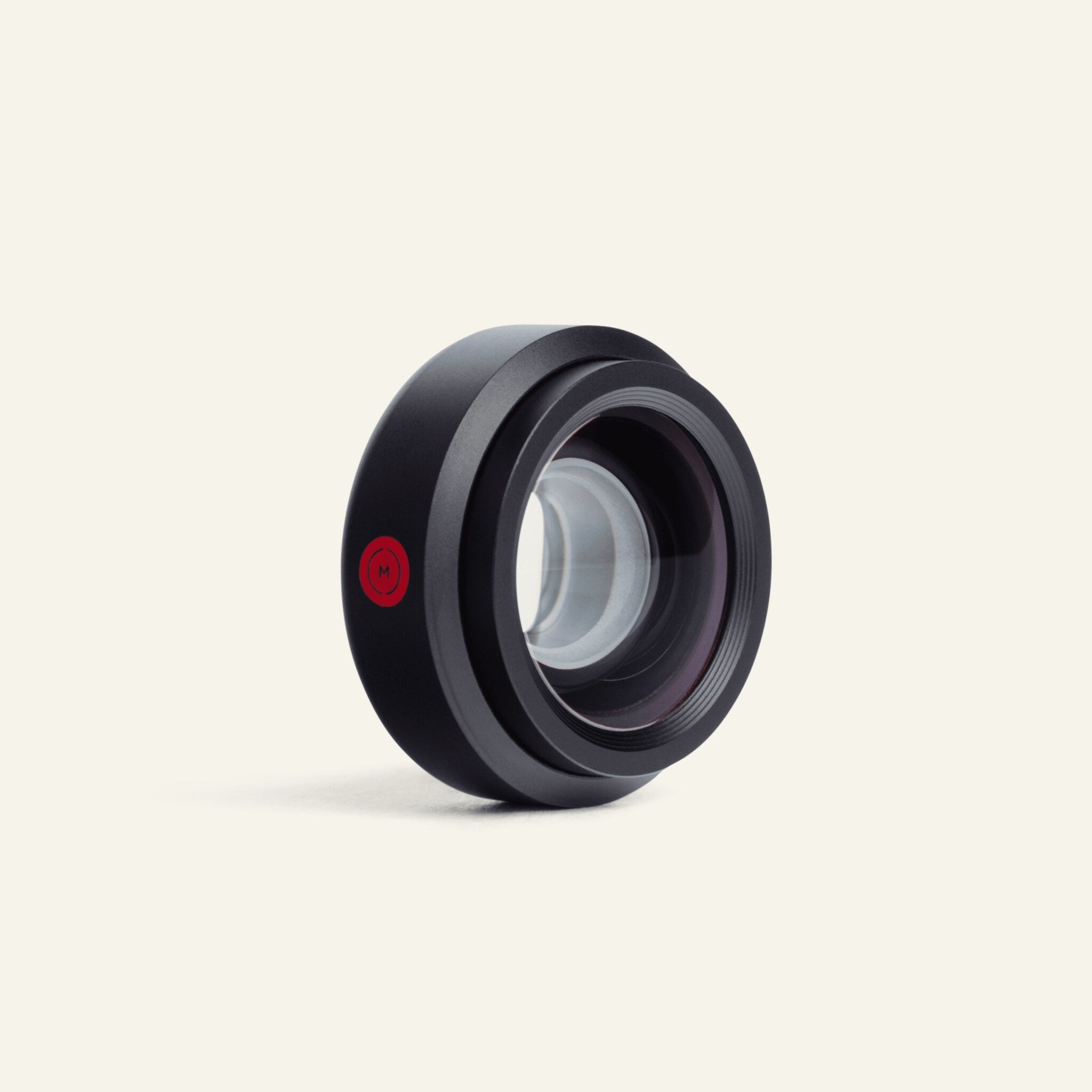
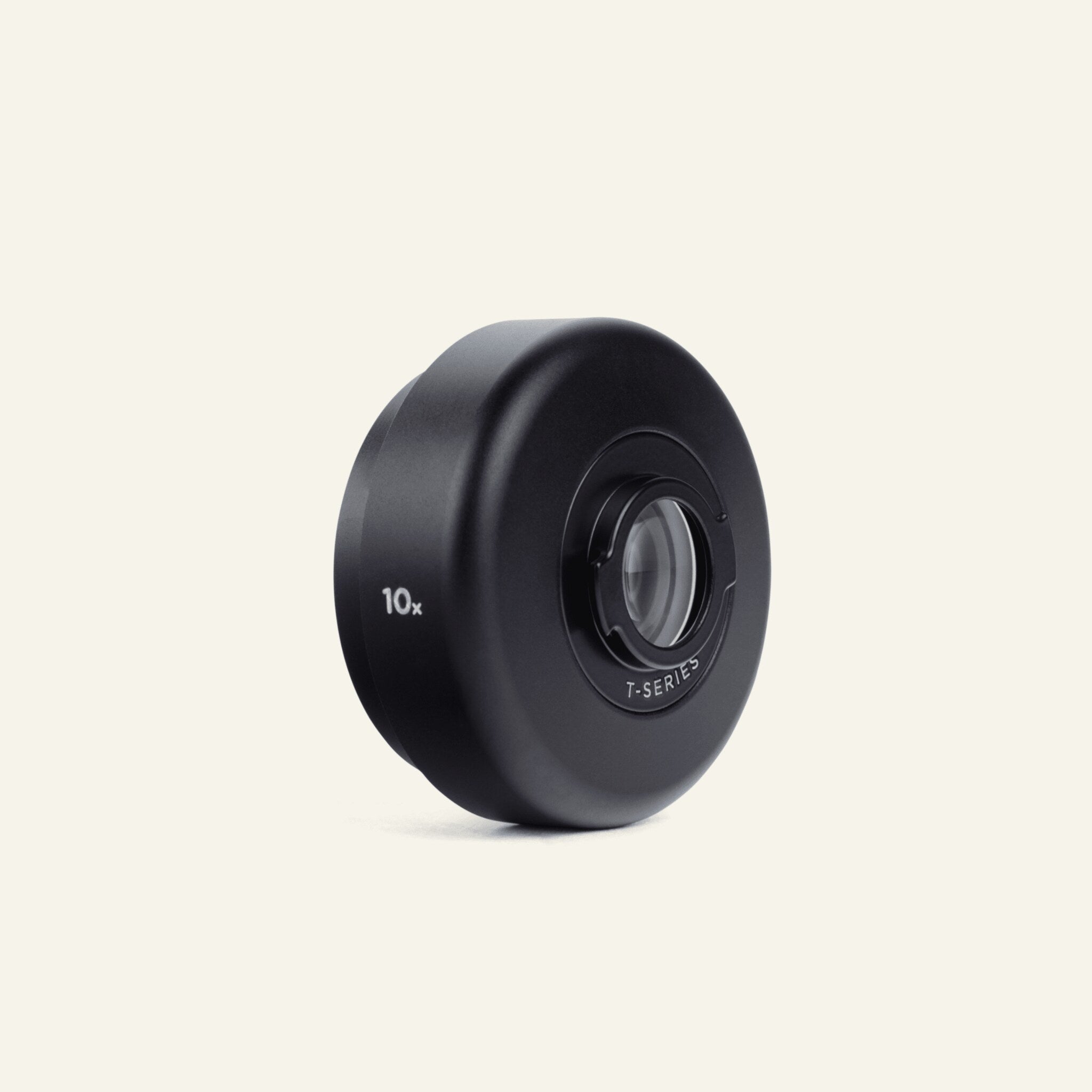
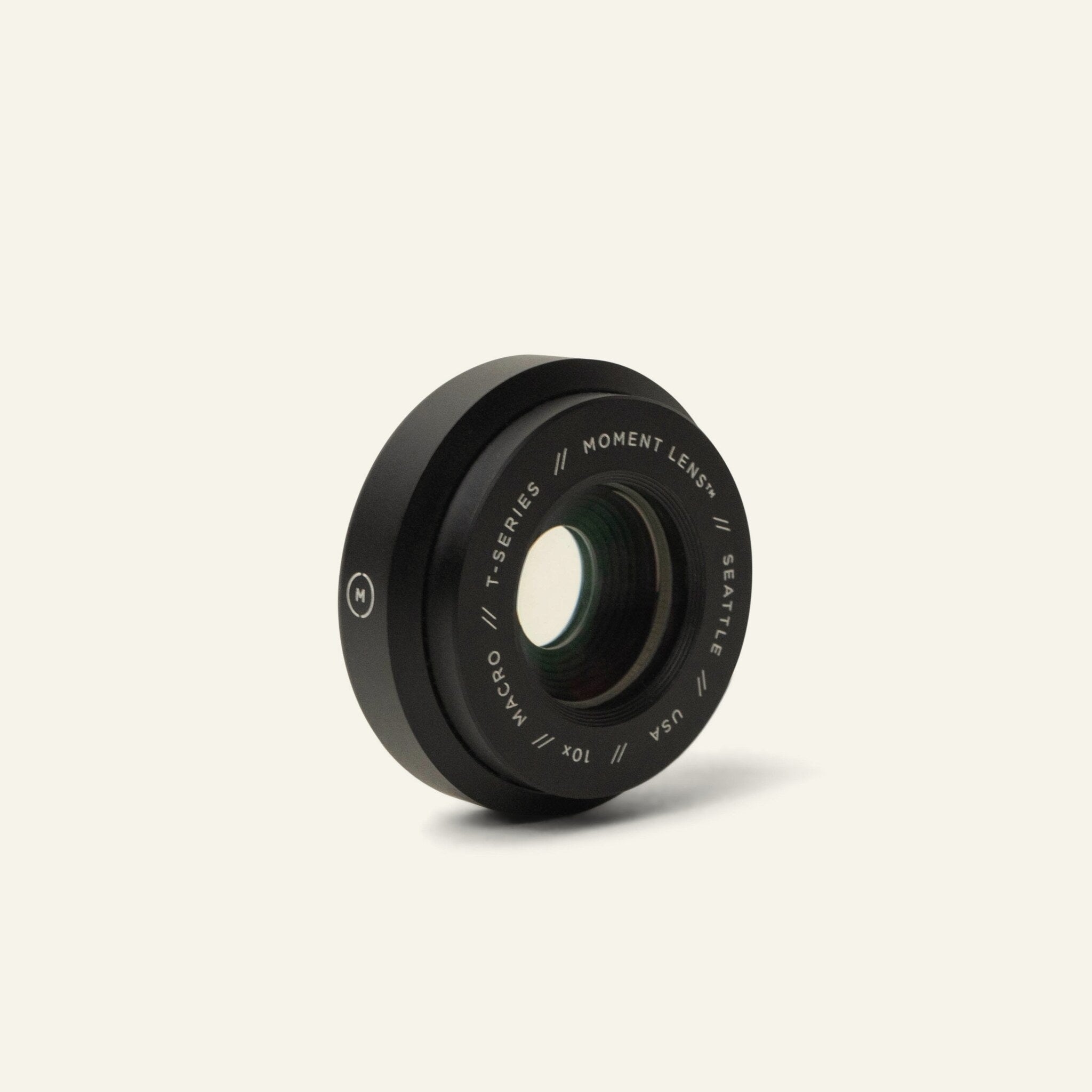
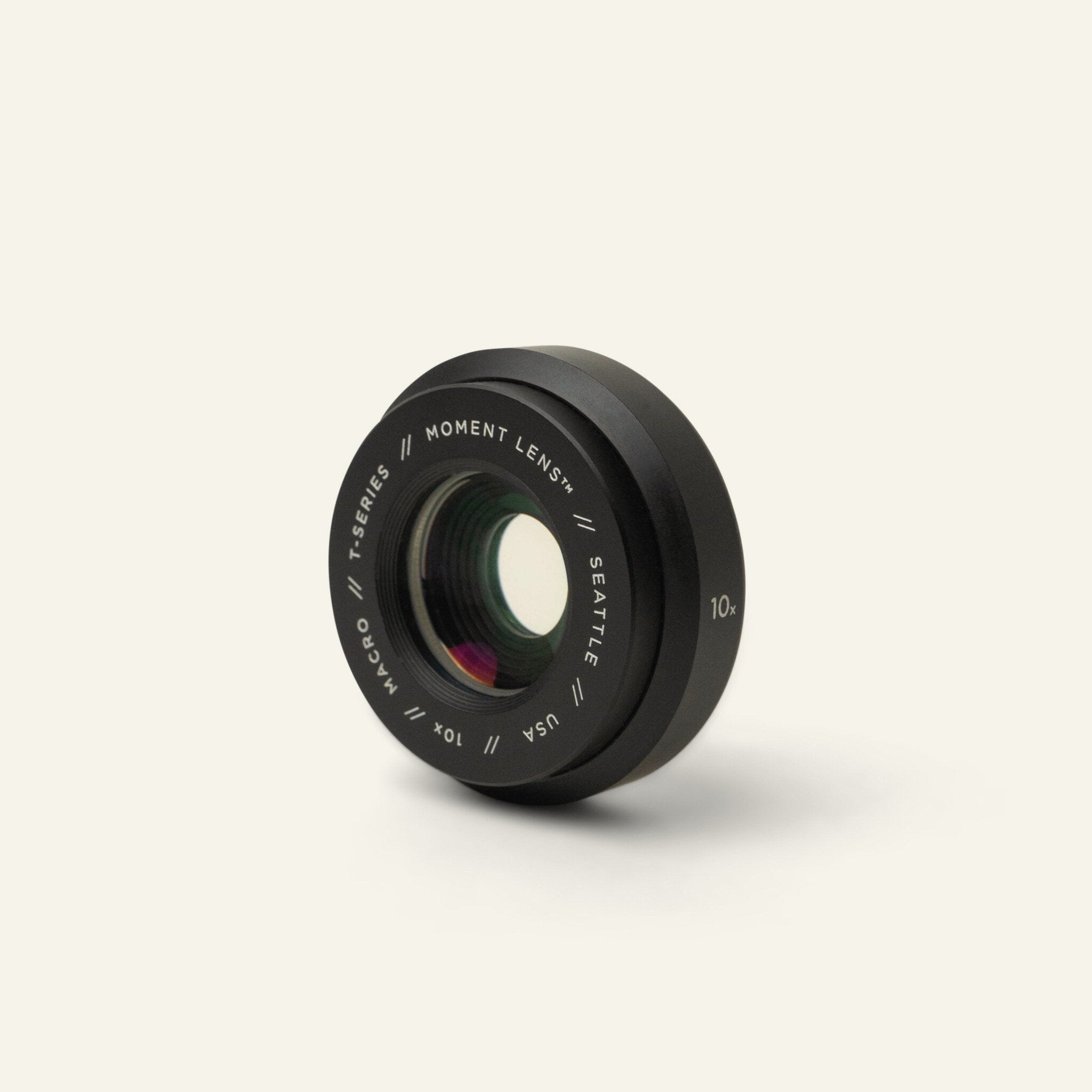
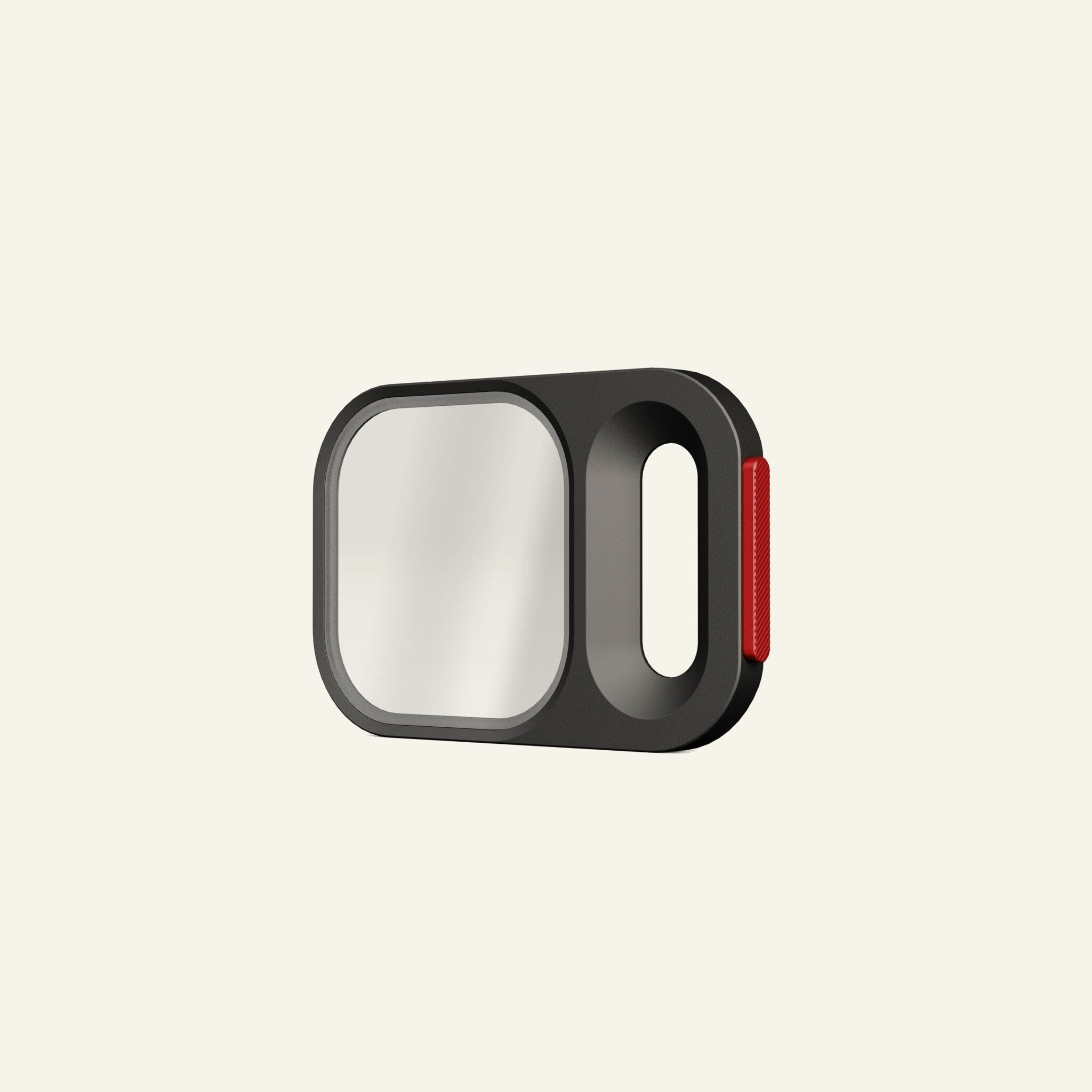
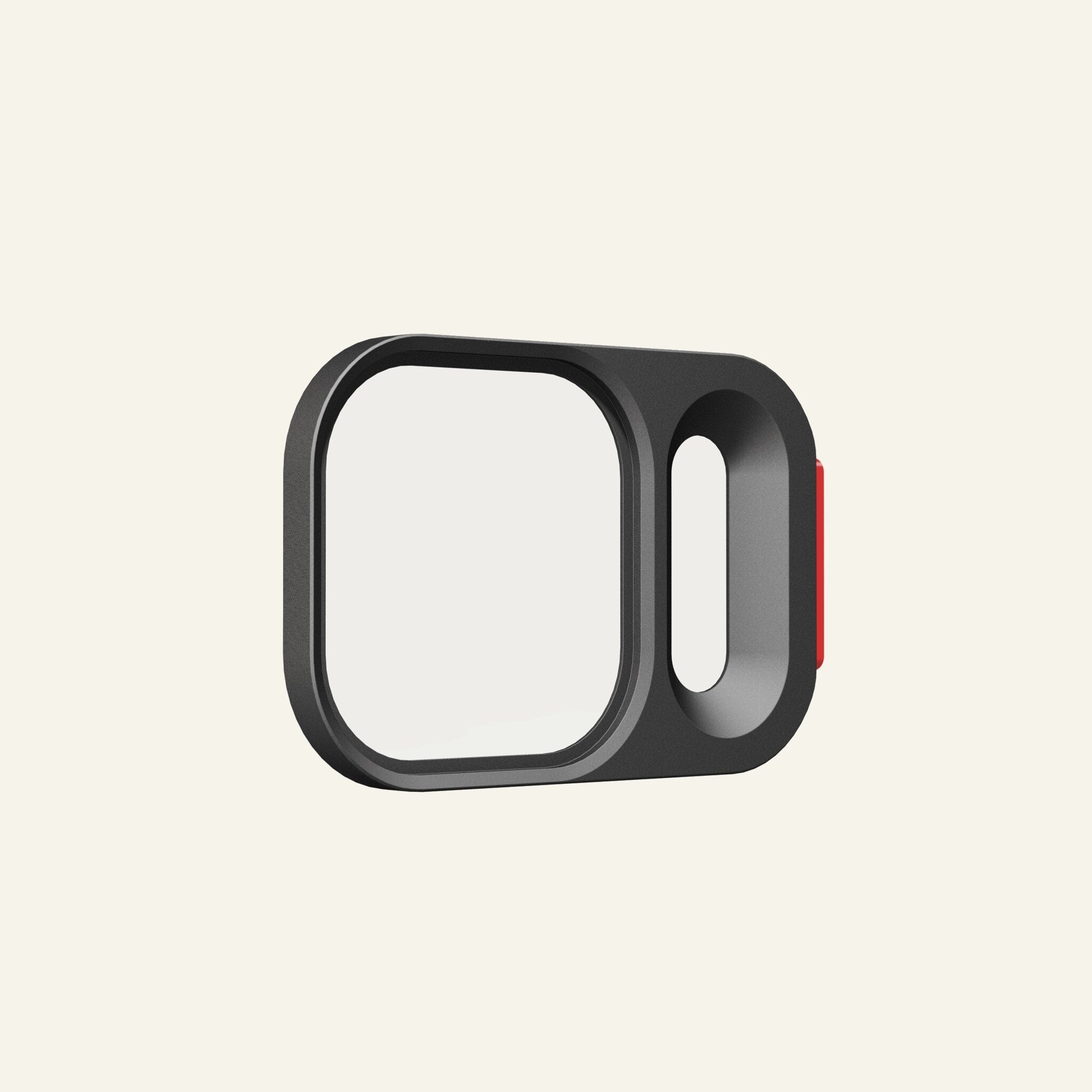
It works best with the Leica Lux app, ProCamera, and Obscura. It’s also compatible with Moment lenses, so you can use wide, telephoto, macro, and other specialty optics.
Does the Fjorden Grip work with the Apple Camera app?
Yes, but only for basic functions. You can take photos and start or stop video recording using the shutter button. Other controls require the Fjorden app or a supported third-party app.
Can I use the Fjorden Grip with third-party iPhone cases?
We recommend using a Fjorden MagSafe-compatible case for a secure fit and full compatibility with other MagSafe accessories.
How do I qualify for complimentary Leica LUX access with my order?
Complimentary Leica LUX access is included exclusively with qualifying orders placed directly through shop.fjorden.co. Please note that orders placed via third-party channels—including Amazon and eBay—do not qualify for complimentary access.
I ordered my Fjorden product through Amazon. Can I still get complimentary Leica LUX access?
Complimentary Leica LUX access is only available with qualifying orders placed directly through shop.fjorden.co. Orders purchased through Amazon or other third-party channels are not eligible for this offer. You can still download Leica LUX from the App Store and subscribe separately if you would like to access Leica LUX Pro features.
Does every order placed through shop.fjorden.co include complimentary Leica LUX access?
No. The offer applies only to qualifying orders and products. We recommend checking the product or bundle details at the time of purchase to confirm whether complimentary Leica LUX access is included.
I ordered through shop.fjorden.co. How do I get my complimentary Leica LUX access?
If your order qualifies for complimentary Leica LUX access, instructions on how to redeem the offer will be sent to the email address associated with your order. Please check your spam or junk folder if you cannot find the email.
I placed a qualifying order but haven’t received my Leica LUX access instructions. What should I do?
First, please check your spam or junk folder and make sure you are checking the same email address used to place your Fjorden order. If you still cannot find the redemption information, contact Fjorden Support at hello@fjorden.co with your order number so we can assist you.
User Experience & Ergonomics
Is the Fjorden Grip comfortable to use for long periods?
It depends on hand size. Some users with very large hands feel it could be bigger, while many others find it secure and comfortable even during longer use.
Are the Fjorden Grip controls easy to learn for beginners?
Yes. Most people find them straightforward, especially if they’ve used a camera before. The layout follows familiar camera controls.
Setup & Connectivity
How do I set up and connect the Fjorden Grip?
Setup is quick. You can follow the video or written guide here: https://manuals.leica-camera.com/fjorden-grip/b/3049E9F2-1A19-422A-A061-C6BB9D77C24B/Quick-Start-Guide
How do I keep the Fjorden Grip connection stable during use?
Make sure your iPhone is updated and the Fjorden firmware is up to date. Reducing nearby Bluetooth interference can also help.
Upgrades, Reusability & Support
Do I need a new Fjorden Grip when upgrading my iPhone?
No. You can keep using the same Grip. You’ll just need a new compatible MagSafe case. The Quick-Release Clip lets you transfer it in seconds.
What should I do if the Fjorden Grip doesn’t fit my phone?
Check the compatibility list on our website before purchasing. If you still run into issues, our support team can help with troubleshooting or a return/exchange. You can reach us at hello@fjorden.co.
Contact Us
Still couldn't find what you're looking for?
If you do not find the answer to your question in our FAQ, you can send us a message by filling out the form.
Trending